Verified Company Badge
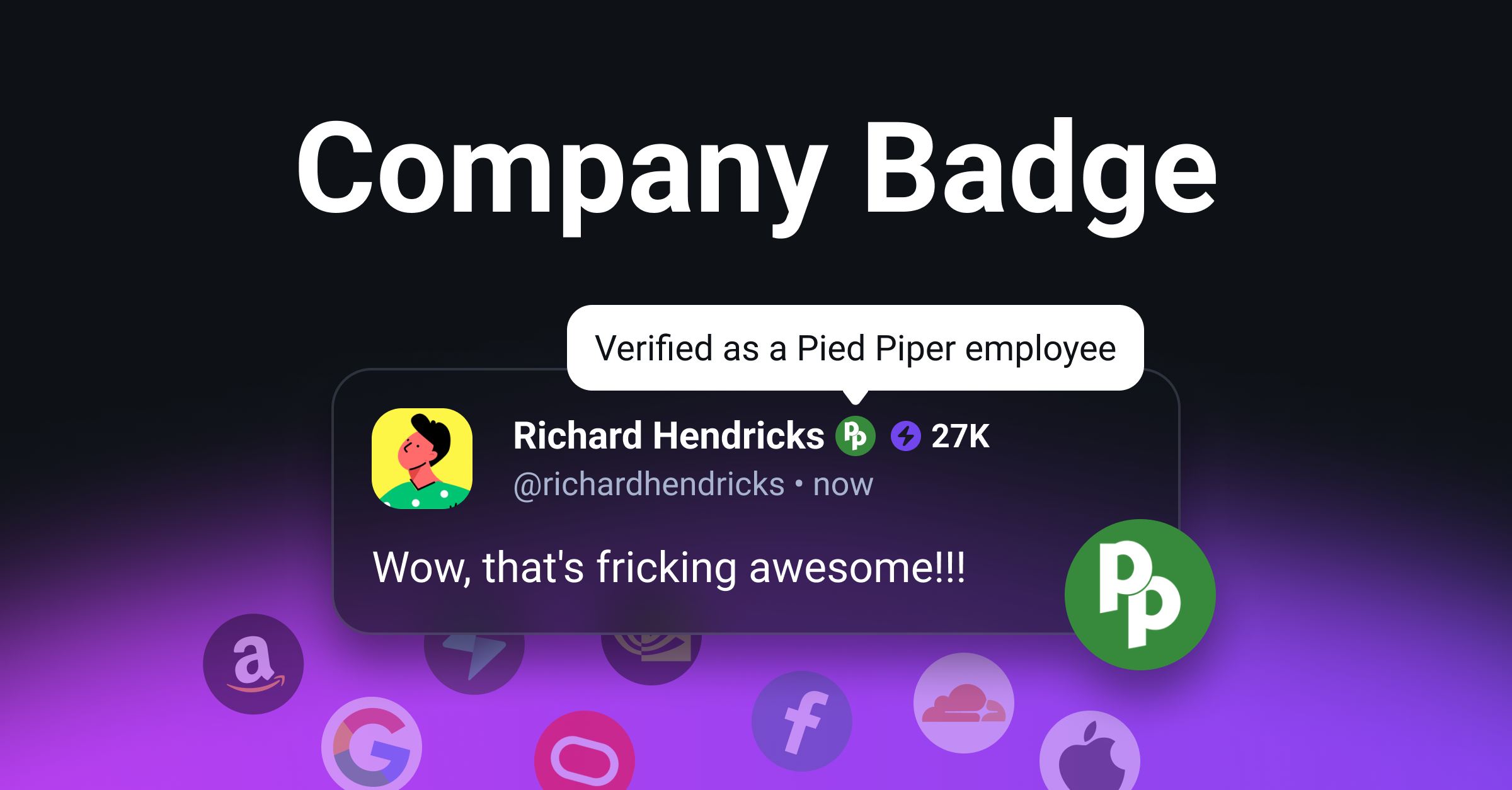
Add a verified company badge to your daily.dev profile to showcase your professional affiliation. This badge includes your company's name and logo and is displayed on your public profile and next to your name whenever you post or comment on the platform.
We’re currently experiencing a high volume of requests for company verification. We appreciate your patience as we work to process your request as quickly as possible. Thank you for your understanding.
Prerequisites
To get a verified company badge, you need access to your work email. Make sure you can receive emails at this address, as you’ll need to verify it during the process.
Benefits of the Verified Company Badge
- Showcase your professional affiliation directly on your profile.
- Build credibility by displaying a verified badge that confirms your employment.
- Stand out in discussions with a badge that appears next to your name whenever you post or comment.
Verified Company Badge Eligibility
To ensure that only legitimate and relevant companies receive a verified company badge, we've outlined the eligibility criteria below.
Who is eligible for a Verified Company Badge?
✅ Employees with a valid work email from a recognized company domain.
✅ Full-time and part-time employees working directly for a company.
✅ Contractors working through a company email provided by the employer.
✅ Non-commercial organizations, such as non-profits, charities, or government entities.
Who is not eligible for a Verified Company Badge (for now)?
❌ University or academic institution emails.
❌ Freelancers, even if using a unique domain, are not eligible.
❌ Personal portfolio sites, regardless of the domain used.
❌ Companies with websites that are not secured (e.g., lacking HTTPS).
❌ Companies with websites that fail to provide basic information like contact details, an “About Us” page, and details about their services or products.
❌ Temporary or disposable email addresses.
❌ Shared domain emails (e.g., info@domain.com, admin@domain.com).
❌ Companies with official websites that cannot be accessed for any reason, including broken links, 403 errors, non-secured domains, "under construction" pages, or any other issues that prevent verification of the company's existence.
How to Get Your Verified Company Badge
Getting verified starts with adding your work experience to your profile:
- Add your work experience: Go to your Profile Experience Settings and add your current workplace. You can auto-fill your work experience by uploading your CV for a quick shortcut.
- Mark it as current: Make sure your workplace is set as your current position (check "I currently work here").
- Verify your employment: Once your current workplace is added, you'll see an option to verify it. Click to start the verification process.
- Enter your work email: Provide your work email address associated with your company.
- Complete verification: Check your email for a 6-digit verification code and enter it on daily.dev. If your company is in our database, your badge will be activated automatically. Otherwise, your request will be reviewed and manually approved by our team.
Troubleshooting
If you encounter any issues while verifying your email or getting your badge, consider the following:
- No verification option visible? Make sure you've added your current workplace to your work experience and marked it as your current position.
- Didn't receive the verification code? Ensure your work email is correct and check your spam/junk folder.
- Invalid code? Double-check the verification code for accuracy. If it's incorrect, request a new code.
- Company not recognized? If your company isn't in our database, your request will be reviewed by our team. This process may take several days.
- Need to update your verified workplace? You can manage your work experience and verification status from your Profile Experience Settings.
Frequently Asked Questions
Where will my Verified Company Badge be displayed?
Your badge will be visible on your public profile and next to your name wherever you post or comment on daily.dev.
Can I change the email used for verification later? Yes, you can update your work experience and re-verify it from your Profile Experience Settings.
What happens if my company isn’t in the database?
If your company isn’t recognized, your request will go through a brief review process.
For further assistance, please contact our support team at support@daily.dev.